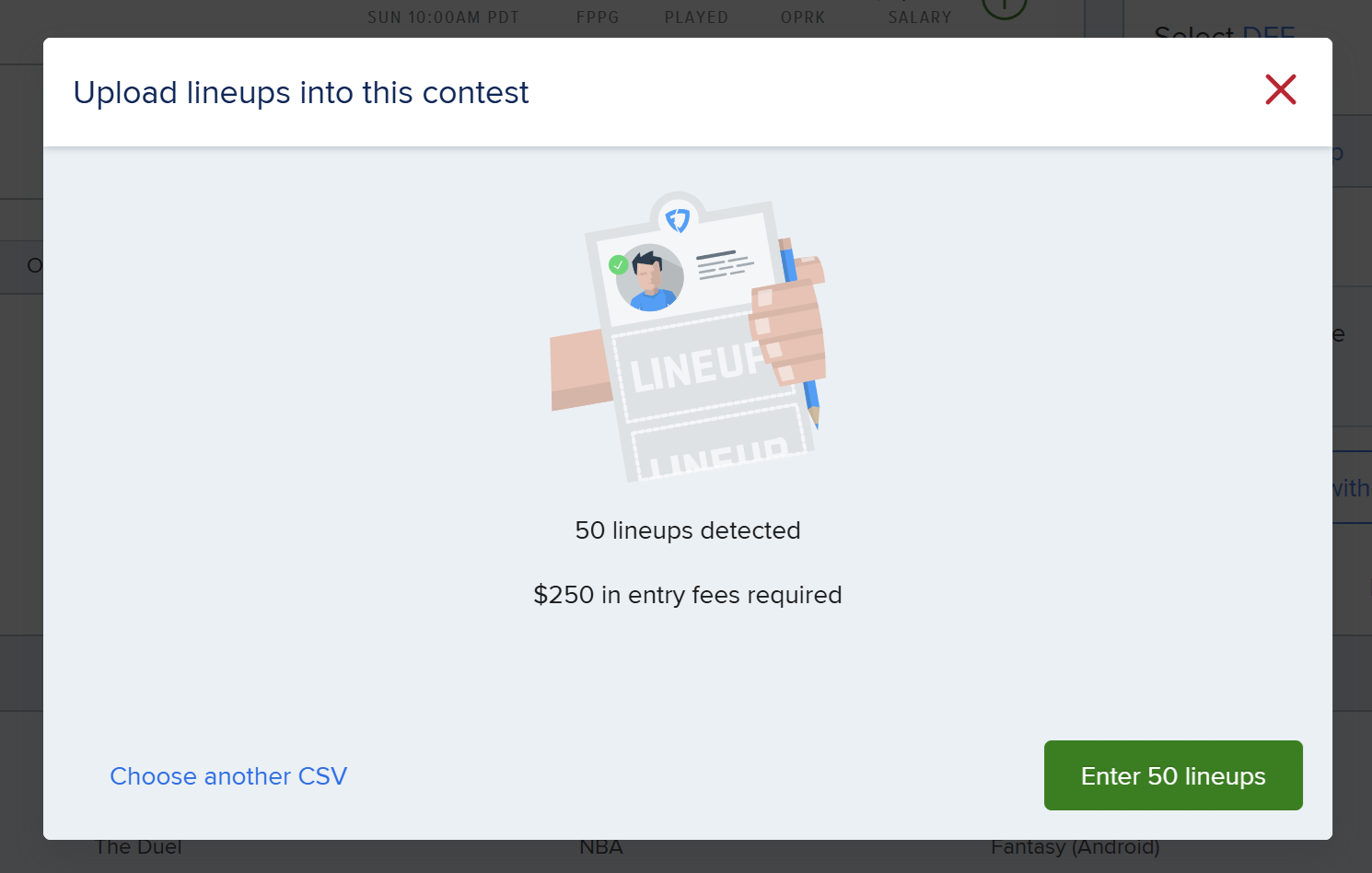
You can upload lineups into FanDuel in just a few easy steps, either from a fresh optimzer build or from a saved collection of lineups.
Step 1:
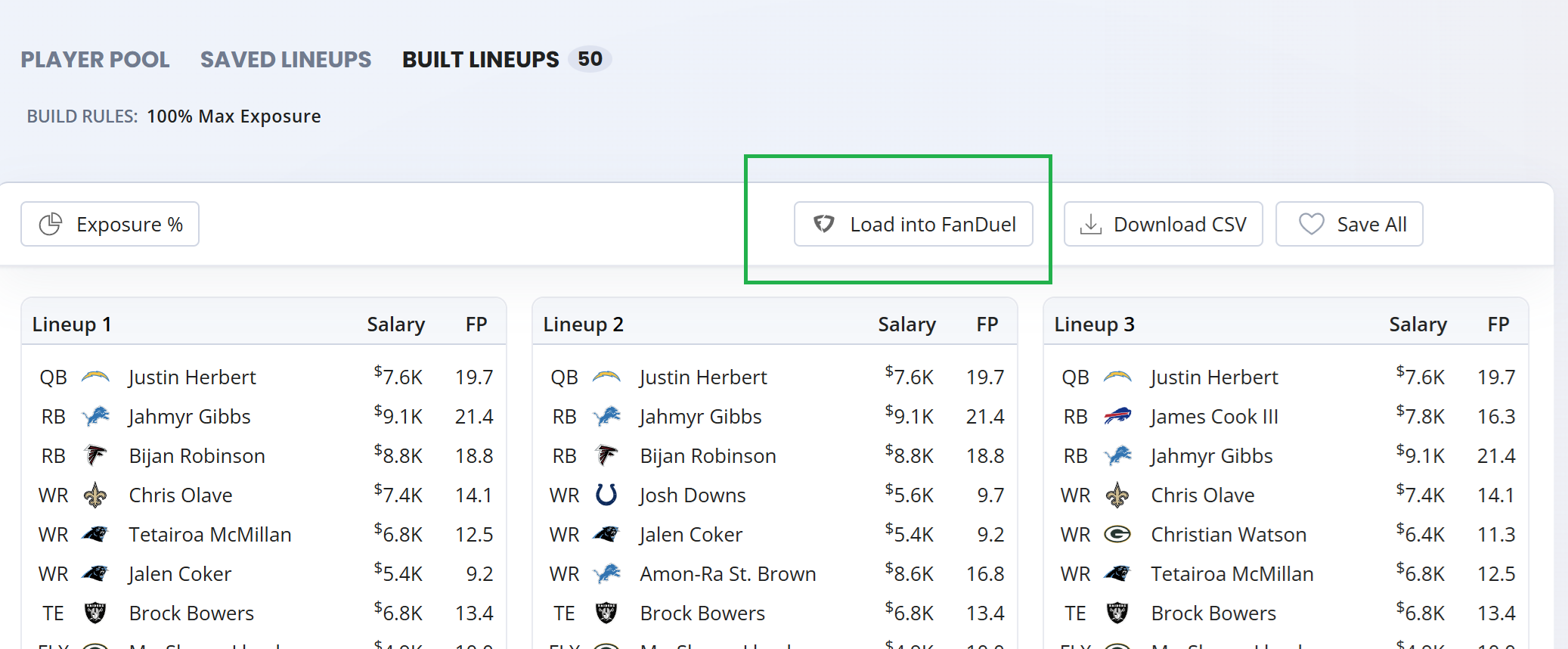
Click on the 'Load into FanDuel' button from either the 'Built Lineups' or 'Saved Lineups' tabs.
This will trigger a .csv file download to begin. Depending on your browser you might have to click an additional 'ok' from within your browser to grant permission to download the lineups file.
Step 2:
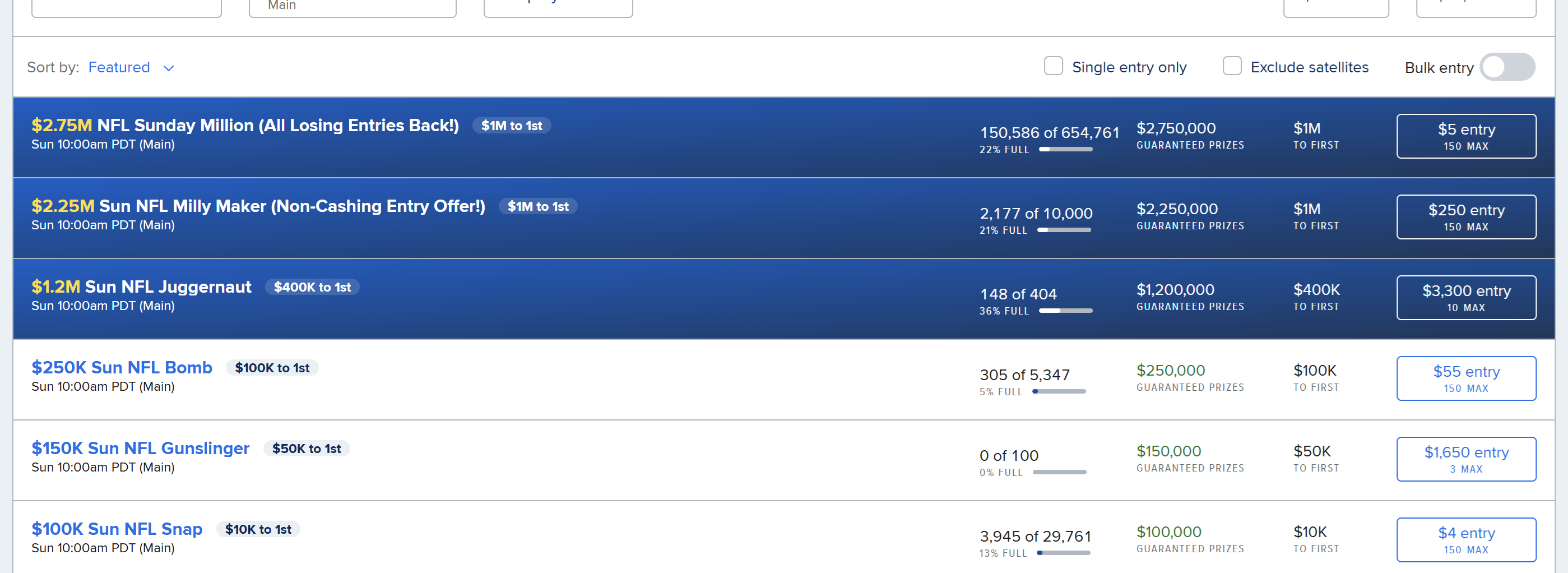
Once the download is complete, go over to the FanDuel Daily Fantasy website and into the lobby. It is only the FanDuel website and not the app which has the functionality to upload lineups.
Step 3:
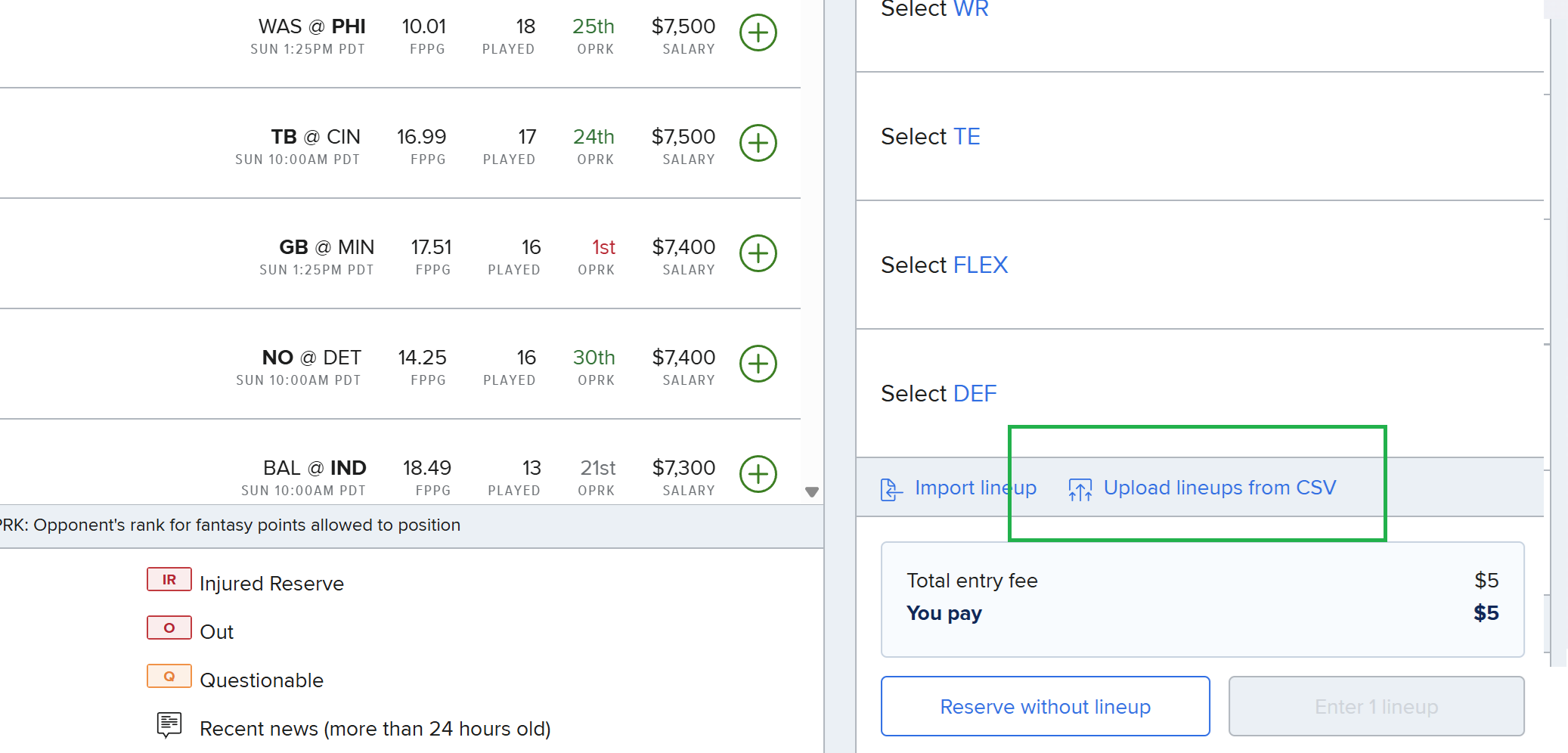
Click on the constest you want to enter. Near the bottom right hand corner they'll be a link that says 'Upload lineups from CSV'.
Step 4:
When you click link it will open up a popup. Hit the 'Choose File' button and find the file that was downloaded in Step 1.
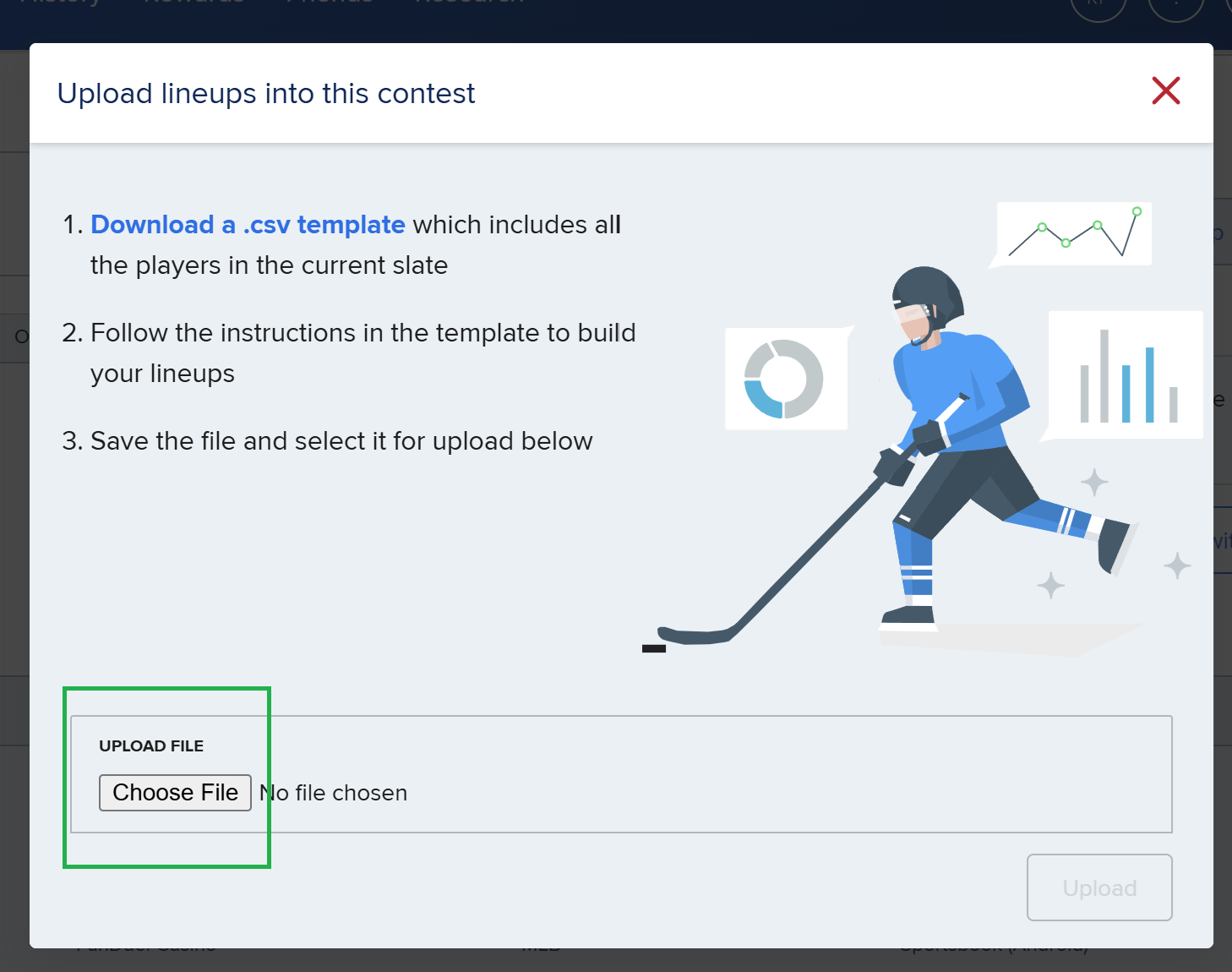
Step 5:
After you select your .csv file, it will detect the lineups inside and at this point you can choose to enter all of your lineups.