
NFL Week 5 is here and that means another brand new tool - the entries manager for mass editing your DraftKings and FanDuel contest entries!
For now this is just available on tablet/laptop/desktop views, and only for premium subscribers, but we'll be rolling out a mobile layout in the future. CSV Edit is clunkier on mobile because FanDuel and DraftKings only allow uploads through their websites and not in-app, so there's a different flow needed to make it work on mobile.
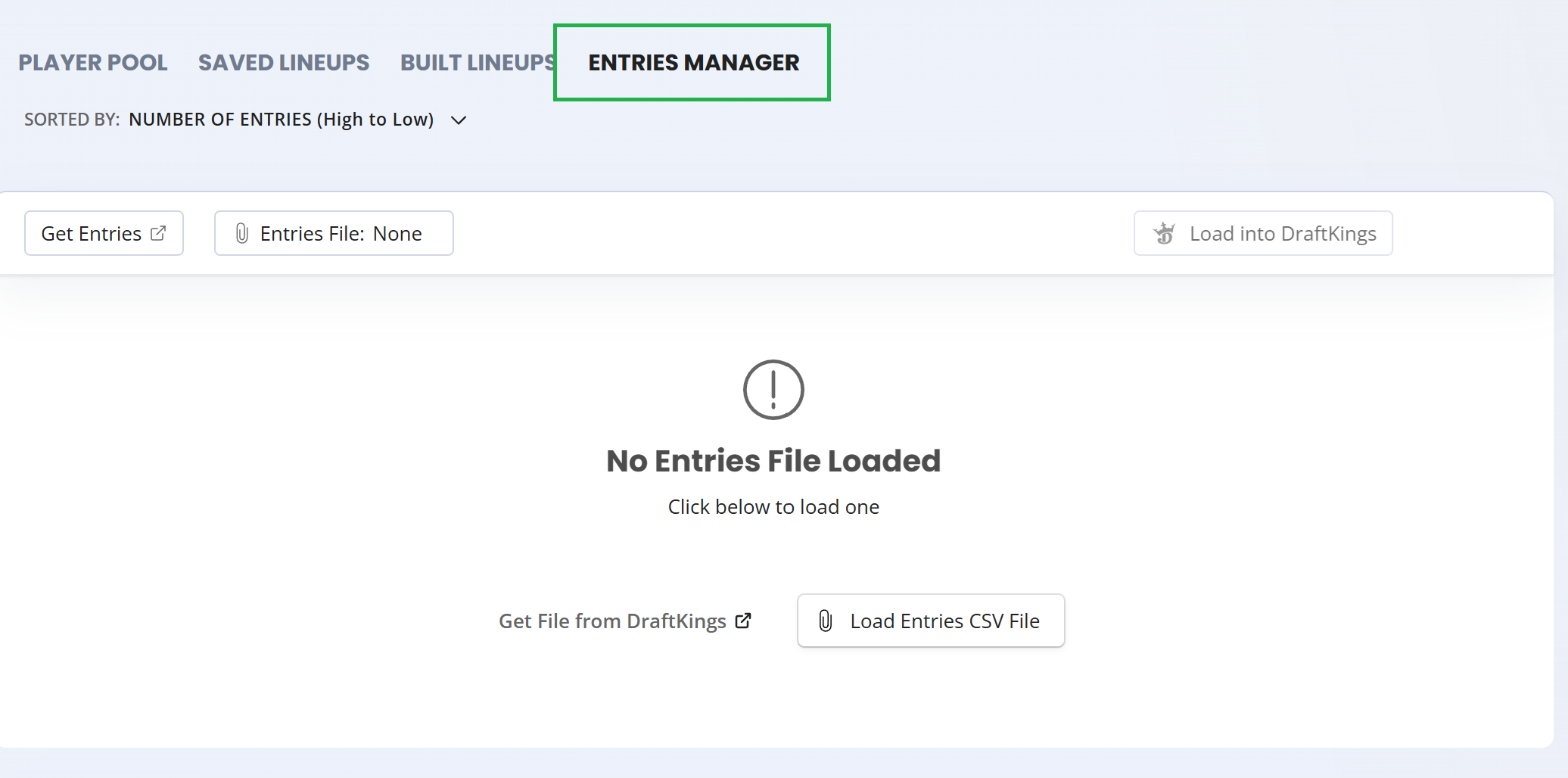
This new feature allows for bulk editing lineups that have been entered or reserved, with some adjustment controls available to you:
- › Fill Source
- › Fill Method
- › Fill all or Fill Individual
The new tool allows you to quickly replace your entries with freshly built or saved lineups, and upload them back in within seconds.
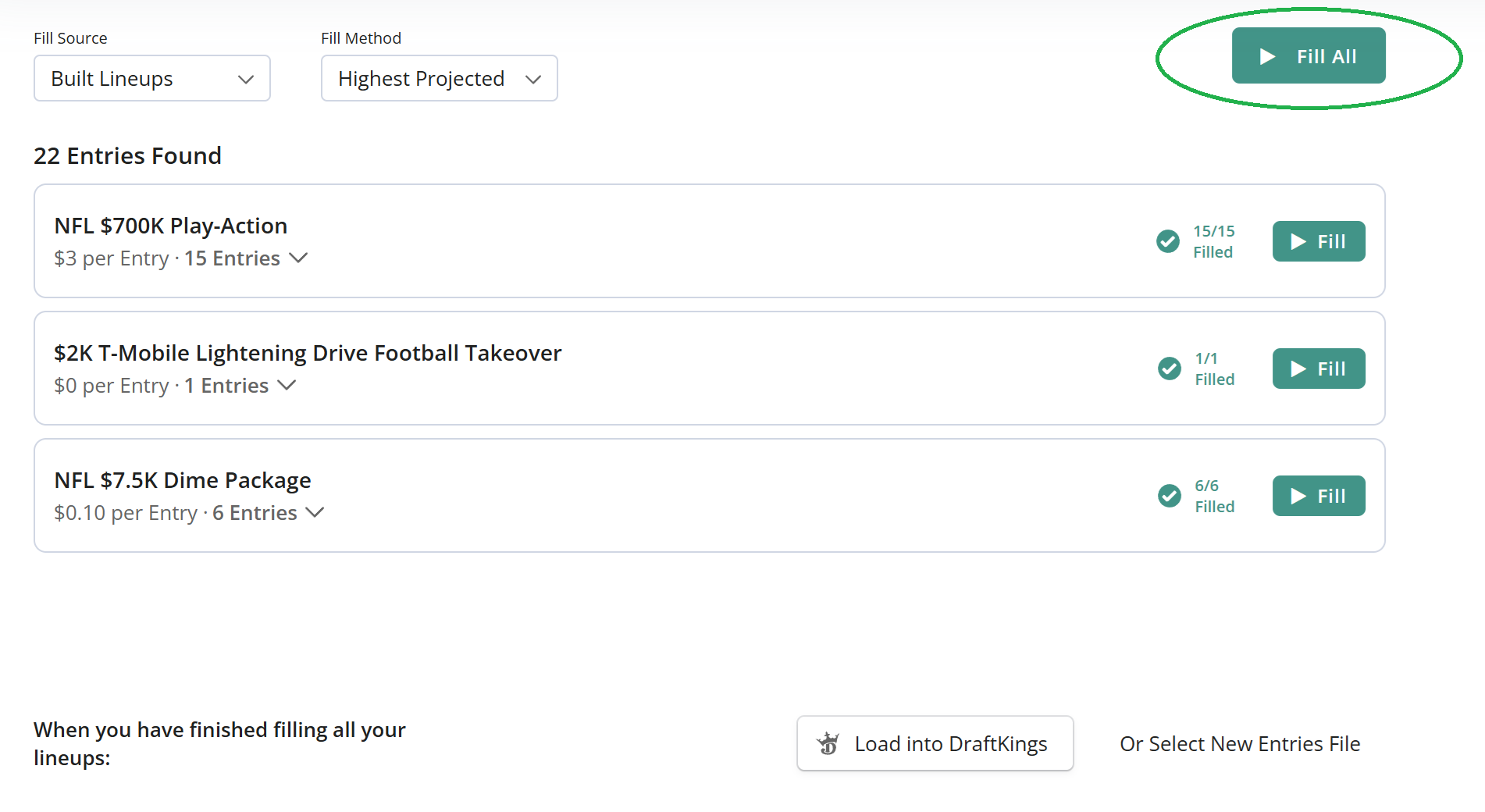
Fill Source:
When filling your entries with lineups, you can choose between:
- › Your Optimizer Built Lineups
- › Your Saved Lineups
- › Both sources combined
One important thing to note, you don't have to fill all contests with just one build. You can create a build, enter it into a specific contest, and then run a new build and enter in into another contest. Your progress is saved as you're switching tabs, so you can change your lineups while working on your entries file.
Another thing to point out is if you do not have enough lineups to fill all your entries, the tool will do a partial fill and leave whatever was remaining unchanged. There's a visual indication when this happens, as ideally you'd want to fully fill all your entries before uploading them back to DraftKings or FanDuel.
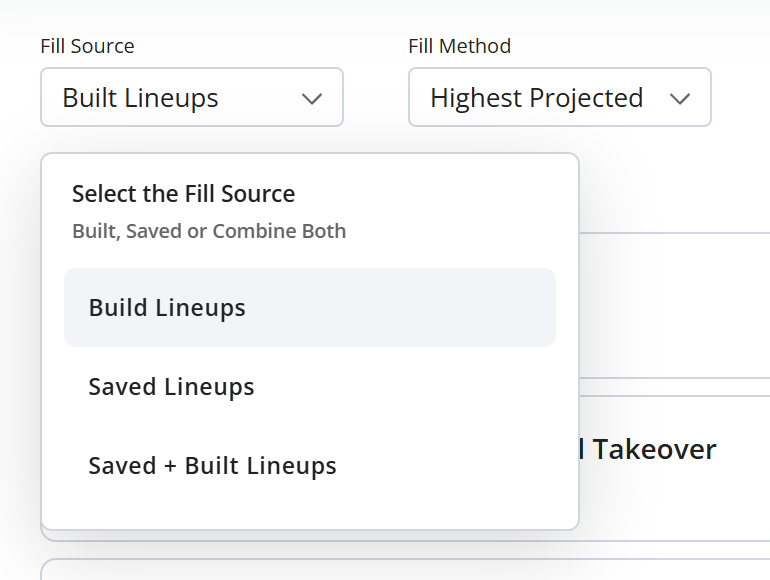
Fill Method:
Here you have 2 options for how to fill entries:
- › Highest Projected
- › Randomized Order
The Fill Method tells the Entries Manager what to do when you have more lineups than entries. For example, say you have 100 lineups, and need to fill a contest with 20 entries:
Highest Projected will take the 20 lineups out of your build with the highest projected FPTS, and place them in from highest to lowest.
This means that if you have 6 contests all with 20 entries each, you'll get the same top 20 lineups across all those contests (each contest re-runs your Fill Method rule).
Random Fill will randomly take 20 entries out of your 100 lineups, and use those to fill.
This means that if you have 6 contests, you'll get a different set of 20 for each one (with some natural overlap due to randomness).
Random Fill mode can lower your exposure risk when filling across many contests, since you are not duplicating the same top X lineups in each contest.
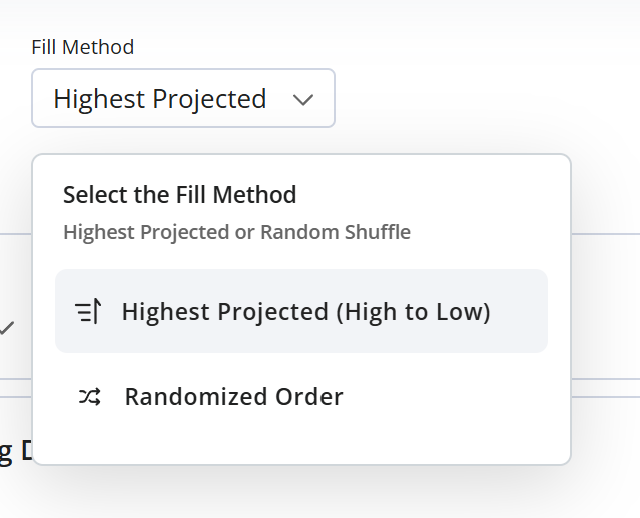
Fill All vs Fill Individual
There's 2 different ways to fill contests:
- › Fill All Button
- › Fill Individual Contests 1-by-1
Clicking the 'Fill All' button gives you a one-click way to run through all contests and entries in a single quick pass.
Fill All will run through each contest and apply the selected fill method for each one. You'll see the progress as each is filled, with any partial fills highlighted.
Fill Individual allows you to fill contests 1-by-1, and make changes in between fills. So you can run a build, apply it to Contest A, run a different build, apply it to Contest B, etc
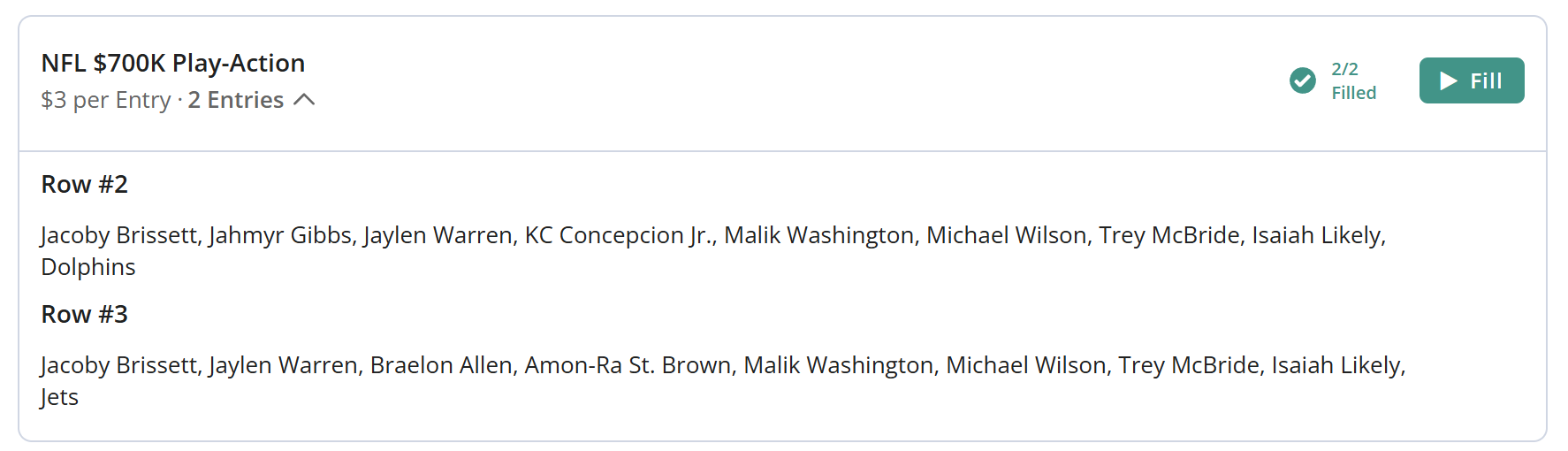
At any time you can click on the number of entries in each contest and it will show you the list of players mapped to each entry. So you can visually validate which lineups are in each contest and entry at any given time.
Once you're done, hit the upload button and it will generate your new CSV file and take you to the DraftKings/FanDuel edit entries page for uploading.
With NBA right around the corner we're not done yet, there's still more launching soon! If you have any feedback or ideas for new features, or notice any bugs or issues, drop us a note anytime through our feedback form